
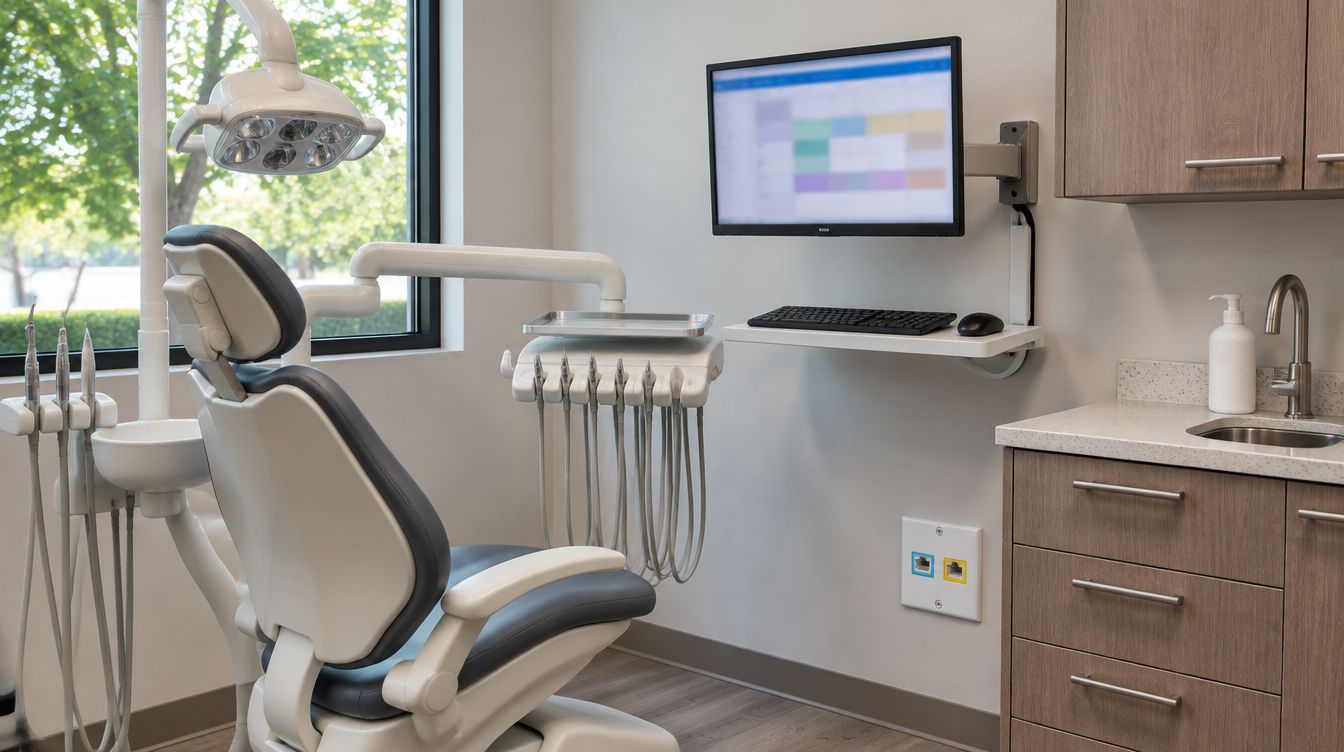
Some Miami practices want ongoing care for the office once the buildout is finished and patients are booked. A managed IT plan from ClearMax Labs looks after the computers, the network, staff logins, backups and security that the buildout installed, starting from the records the project already produced. It is a separate choice: a buildout never requires a plan, and a plan never requires a ClearMax buildout.
Last updated: November 2026
What does the plan take off the office manager's desk?
- The desks. Patching, security updates and the small daily problems on covered computers, including the operatory machines that run imaging and sensor software.
- The closet. Firewall rules, the switch, the access points and the separation between the clinical network and patient WiFi.
- Staff changes. A new assistant's computer login, email and door fob set up together; a departing employee's removed together, with the date logged.
- Backups that are proven. The server backup is restored on a schedule, so the practice knows a copy works before it ever needs one.
- Security. Protection on the computers and network kept current under the plan.
- Software vendor calls. When Dentrix misbehaves, the problem is taken to Henry Schein One on the practice's behalf, so the front desk makes one call instead of three.
How the buildout records shorten the start
A new plan usually begins with a slow inventory: which cable goes where, who holds the admin passwords, whether the backup has ever been tested. After a ClearMax buildout those answers are already written down. The drop map, the closet layout, the WiFi results and the server build notes become the plan's starting documentation, so the first month goes to looking after the office instead of learning it.
Records also make staff turnover routine. Every account, fob and device is on a list, so adding or removing a person is a checklist rather than a hunt through old emails.
What does hurricane season look like on a plan?
It gets its own procedure. NWS Miami reports that Hurricane Irma left over three-quarters of South Florida's electric customers without power, many for close to a week. Before a named storm, the plan's checklist confirms the off-site backup is current, the server is shut down cleanly, and staff know how to reach the desk while the office is closed. After the storm, systems are brought back in a set order and checked before the first patient.
The plan also follows the records rule. Florida's dental board requires written dental records to be kept for at least four (4) years after the patient was last examined or treated, so backups are kept at least that long and older copies are test-restored too, not just last night's.
Who does the office call?
The ClearMax support desk, through one phone number or one email address. Each request is logged as a ticket that stays open until the person who reported the problem agrees it is fixed. When the fix needs someone in the building, a ClearMax technician is booked to come in. Coverage hours, response targets and the complete list of included work are written into the proposal, so it is clear before signing what the plan covers and what would be a new project.
What stays outside the plan?
New construction, added operatories and a server replacement are projects, quoted separately from the plan. Problems inside the dental software stay with its vendor, and the support desk follows each ticket with them until it closes.
How is a plan priced?
By scope: the number of computers and staff, the equipment in the closet, whether a server is included, and how well the current setup is documented. The price comes in a written proposal after a conversation about the office. It is not published on this site.
How does a practice get started?
- A short call about the office, its size, its software and what has gone wrong before.
- A review of the records, which after a ClearMax buildout already cover most of the equipment.
- A written proposal with coverage, response targets and the price.
- Onboarding, including one test restore of the backup and a note to every staff member on how to reach the desk.
Plan questions from Miami practices
We did not build with you. Can we still join?
Yes. The plan starts with an inventory of what is in the office now, then the same records get written.
Can you take over from our current IT company?
Yes. Passwords, licenses, backup accounts and the domain are moved into the practice's own name first, so nothing depends on the old provider.
Does the plan also cover the doors and the cameras?
Yes, for what the buildout installed: fob changes when staff come and go, camera health checks, and the recorder's retention setting kept as agreed in the proposal.