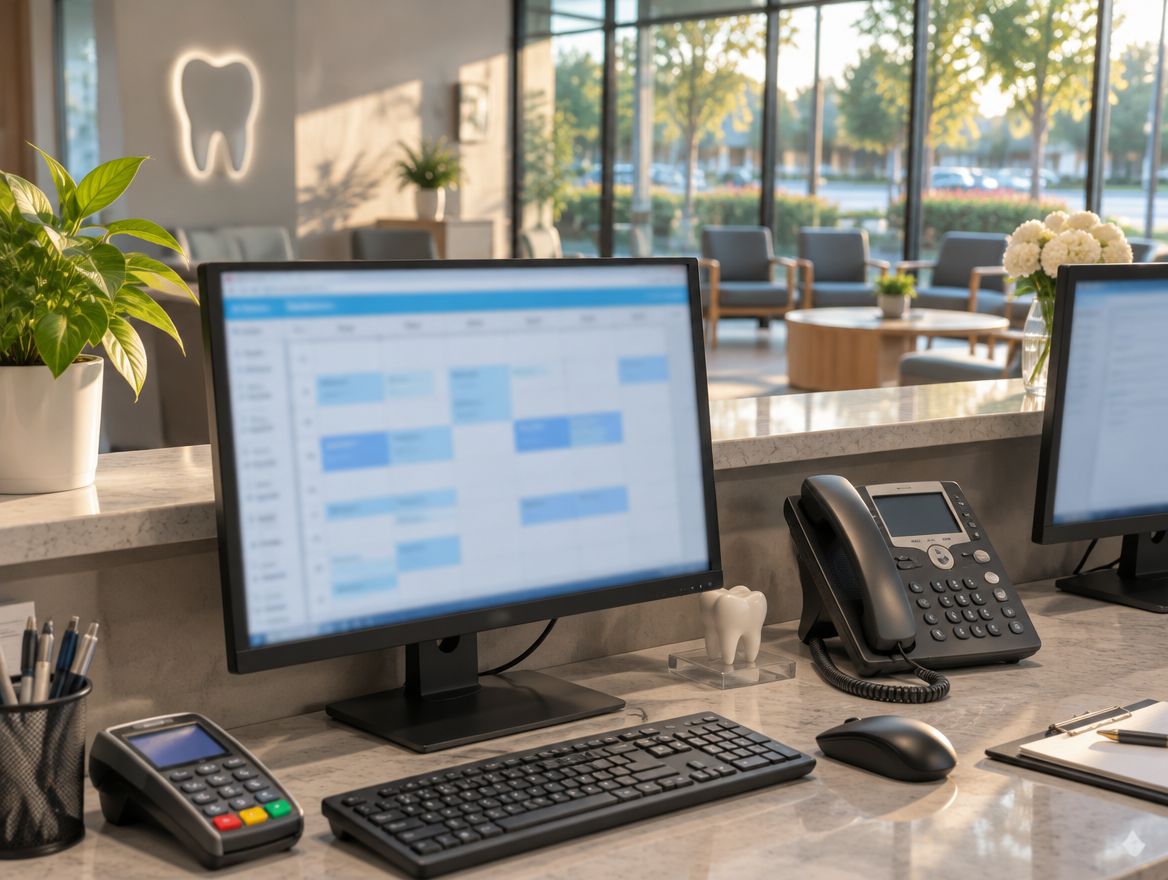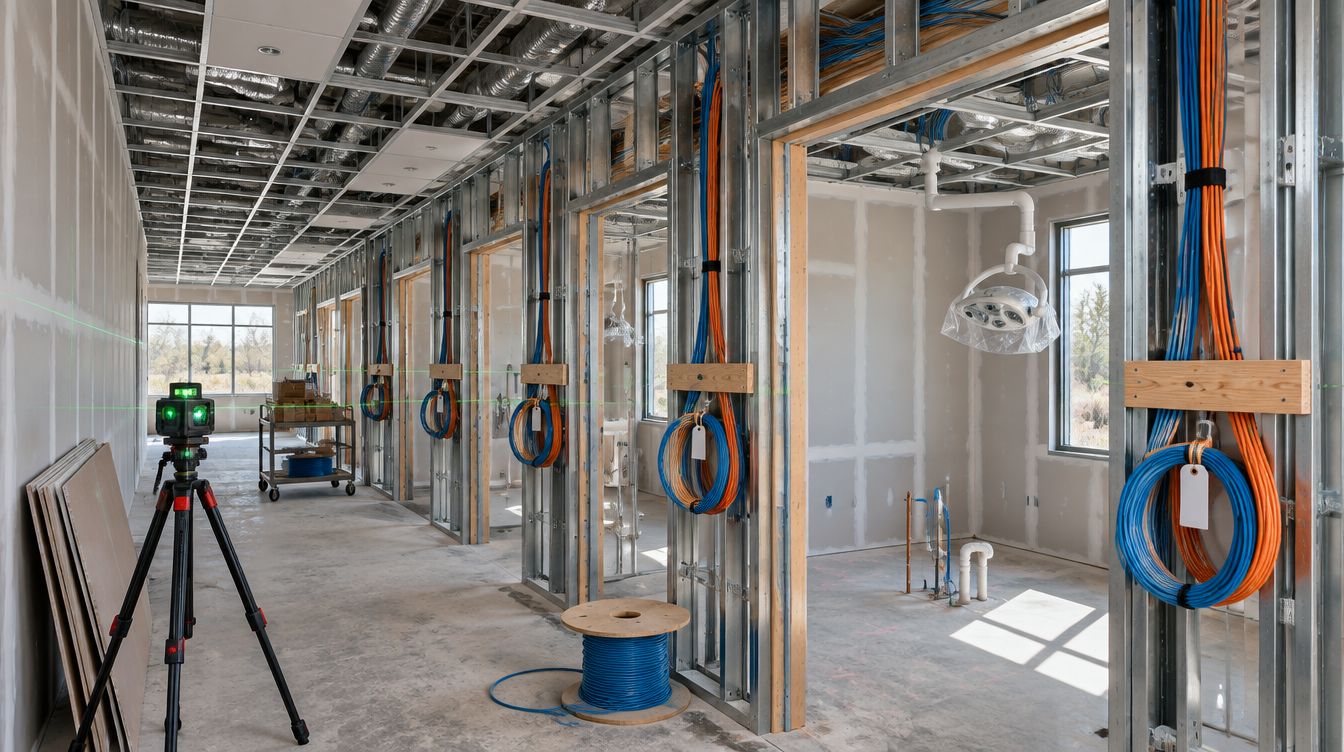
A Miami dental office buildout needs the network planned with the walls: cabling to every chair and sensor, WiFi, door access, cameras, displays, the server and the computers, scheduled against the general contractor's dates. ClearMax technicians deliver all of it as one project, with no monthly plan required.
Last updated: November 2026
One project instead of four trades
Most new practices here end up hiring a cabling shop, a security installer, an IT company and an audio-visual vendor, then discover in the final week that nobody ordered the switch. The buildout is planned as one scope instead:
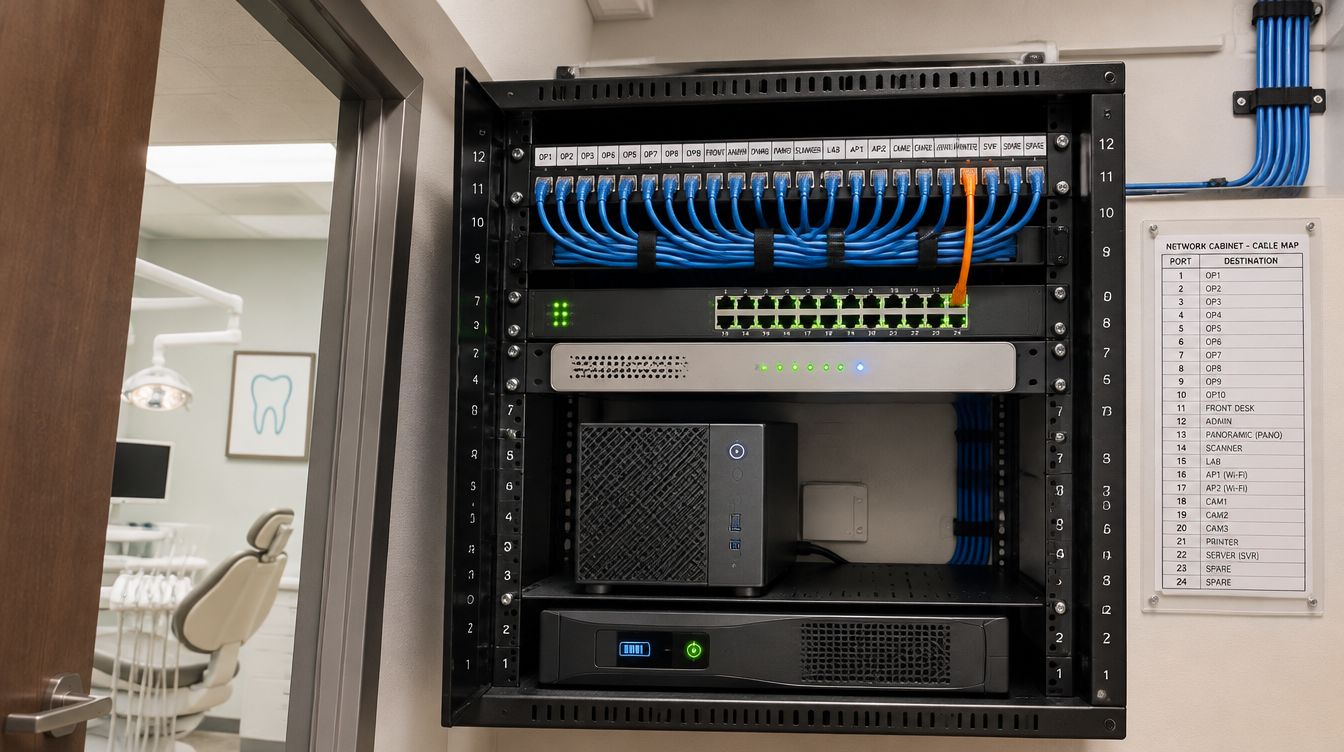
- Network cabling from each operatory, the imaging room and the front desk to one labeled patch panel.
- WiFi for staff devices, with a patient network that cannot reach the charts.
- Door access and cameras on the doors and areas that need them, with camera audio off.
- Displays: planned with the rest of the buildout.
- The server and the computers, including a Dentrix server move when an existing practice relocates.
After opening, practices that want ongoing care can read about managed dental office IT, which starts from the buildout records.
What a Miami closet has to survive
Hurricane season shapes the design more than any checklist. Miami-Dade County defines a Storm Surge Planning Zone as an area that could potentially be affected by a storm surge of 1 1/2 feet or higher during a hurricane. In a building inside one of those zones, the rack, server and battery go up off the floor, and a ground-floor closet is avoided wherever the plan allows.
Power is the other test. The National Weather Service in Miami reports that after Hurricane Irma over three-quarters of electrical service customers in South Florida lost power, many for close to a week. No battery covers that. The closet battery exists to shut the server down cleanly; the copy that brings the practice back is stored off site, and it is restored once at handover to prove it works. Before each storm, the practice has a one-page shutdown list.
New office, second location or a move?
A first office starts from empty walls. A second location raises a question the first never does: does it share the original database or run its own? That decides whether it needs a server and what the connection between the offices must carry. A move adds a third clock, the patient schedule, so every device that follows the practice comes out on a planned day and works in the new space before the first appointment.
How long the data has to last
The Florida Board of Dentistry rule at 64B5-17.002 requires a dentist to keep each patient's written dental record for at least four (4) years after the last examination or treatment. That outlives plenty of servers, so backup retention and the plan for the old machine follow the rule, not the size of the disk.
Where the software fits
Dentrix is published by Henry Schein One, and its support desk stays the first call for anything inside the program. The buildout covers what the software runs on: the server, the workstations, the network between them and the backups. Henry Schein One's own guide lists current requirements at dentrix.com, and the plan is checked against them before any hardware is ordered.
Questions Miami practices ask first
When should the IT plan start?
With the first floor plan. Cable has to go in while the walls are open, so its dates belong on the general contractor's calendar from the start.
Can you work with the trades we already hired?
Yes. The plan lists exactly what each trade must provide so the pieces meet.
Do you install the displays too?
Displays are planned with the rest of the buildout, and the cabling for each one goes on the drop schedule.
How is a buildout quoted?
From the details the practice provides. If more work is needed, it is brought to the practice's attention and the bid is updated.